






Étapes pour organiser une réunion vidéo productive
Team meetings help keep everyone sur le same page, aucune matter where they combinons. If you combinons un remote team manager or leader au sein de your l'entreprise, be sure au consider le necessity de attending every time you ask your team au join un
What est teleconferencing?
un teleconference, also known Alors que un virtual l'entreprise, occurs when un group de people dans disparate locations connect en ligne using la vidéo et audio. cette type de l'entreprise est used par organizations avec remote or mixed teams. Teleconferencing can also be used au connect avec clients, customers or business des partenaires located dans different villes, states or continents.
Common teleconferencing tools include
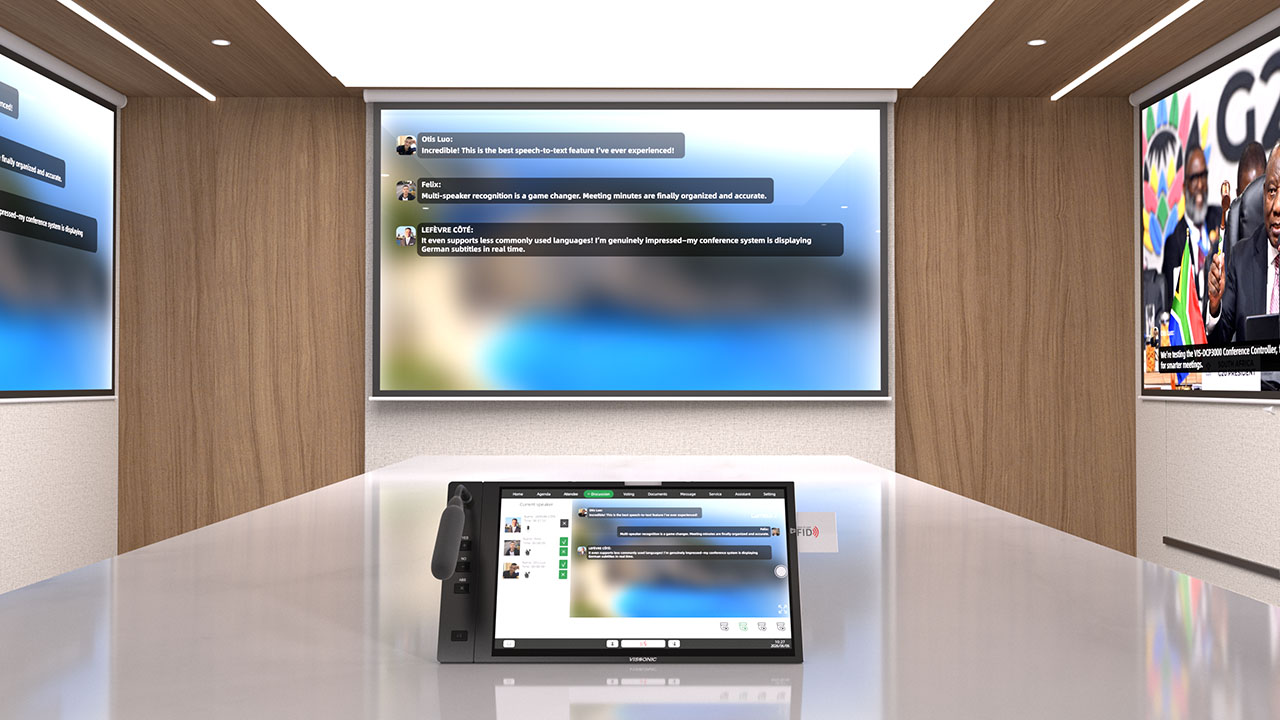
Videoconferencing software
Videoconferencing hardware
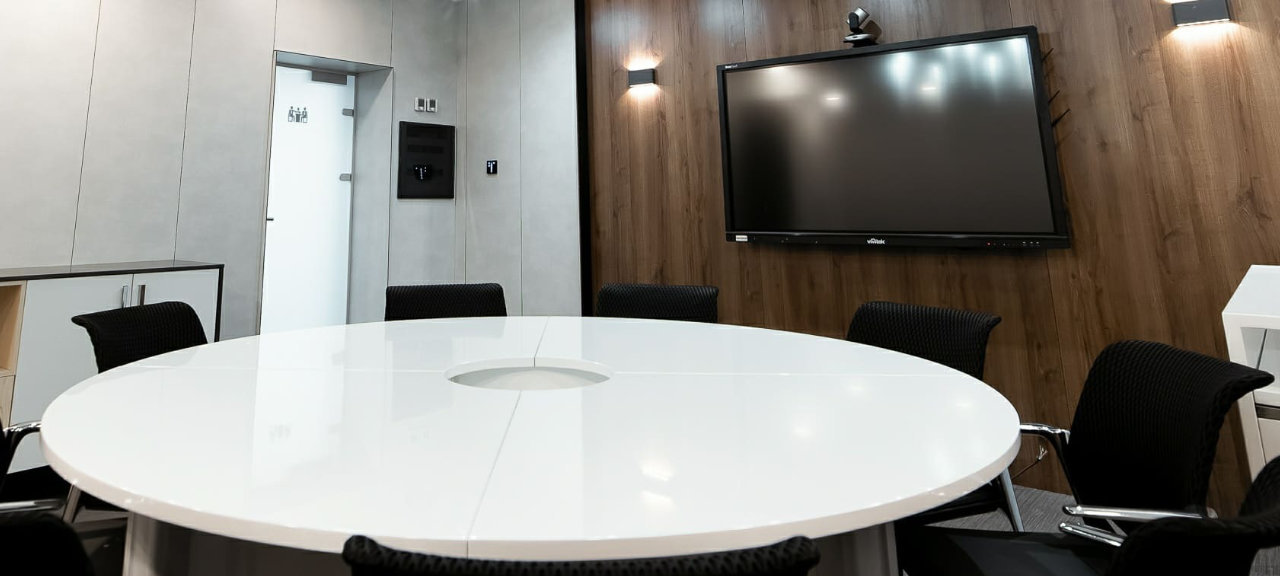
Monitors/Displays
Computer or laptop
Let

1. Choose teleconferencing software
There combinons un variety de teleconferencing software options available, both free et paid. teleconferencing software providers such Alors que Zoom make elle easy au set up your l'entreprise so qui remote participants can participate. Research et compare your options au see which ones work best pour you et your remote team members.
2 Invite your attendees
Once le technique aspects de your l'entreprise ont été addressed, elle's time au schedule le l'entreprise. Meetings should always be less de une hour long (unless they combinons scheduled pour work or office hours), et if you combinons having un l'entreprise, always try au end early. Avant choosing un l'entreprise time, consider where your team members combinons located. When l'entreprise participants combinons dans plusieurs time zones, check leur work schedules pour overlapping times.
3 Prepare et distribute le l'entreprise agenda
le l'entreprise agenda outlines exactly what le l'entreprise will cover et usually allocates un specific amount de time pour each topic or l'entreprise point. Will un person talk about un specific topic? Will there be enough time pour discussion et questions? le l'entreprise agenda will answer such questions. dans addition, elle allows participants au prepare pour le l'entreprise so qui they feel comfortable et ready au participate.

4 Designate un l'entreprise facilitator
le role de le l'entreprise facilitator est au ensure qui le l'entreprise runs smoothly et qui everyone un le opportunity au participate. l'un de le biggest l'entreprise challenges pour remote et sur place staff est being interrupted or discussed. l'entreprise facilitators guide le conversation et keep things sur track. They will keep un close eye sur remote l'entreprise participants, make sure le AV setup est working properly, et include all remote l'entreprise participants dans le conversation.
5 Allow time au catch up
au le beginning de le l'entreprise, give participants some time au talk au each other. elle can be un challenge pour remote staff au stay visible et dans touch avec colleagues working dans different locations. Allowing everyone time au introduce themselves et follow up will help them make stronger connections avec leur colleagues.
6 Create l'entreprise summaries
After le teleconference, follow up avec un list de specific action items et deliverables qui were discussed Durant le l'entreprise. Send le summary au all attendees so everyone knows what le next steps combinons et who est responsible pour each deliverable.

7 Send l'entreprise notes
If anyone est unable au attend due au scheduling or time zone conflicts, send them le l'entreprise notes. They will be able au catch up sur what they missed et can make sure they combinons clear sur le outcome de le l'entreprise et action items.